So this is what I started with, a photo of a bush in our garden!
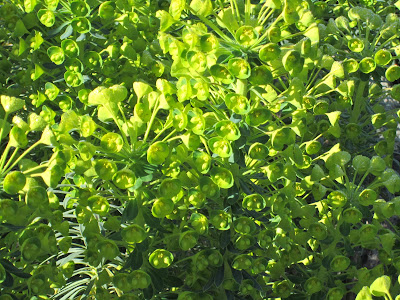
PS= photoshop
put the image on PS and dropped in some colors using paint bucket
soft light and pin light
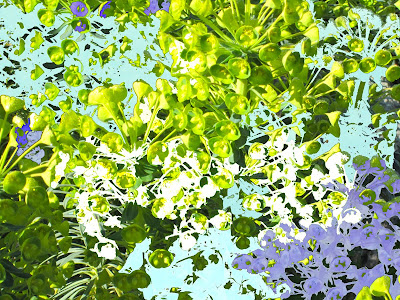
dropped a few more different colors to various ares with paint bucket
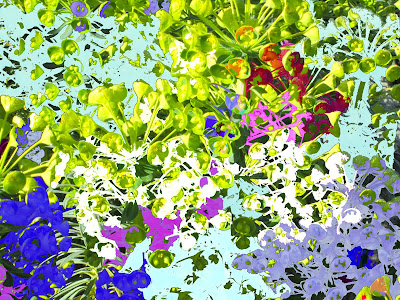
more paint
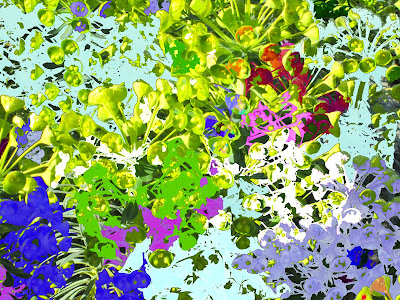
daisy and rose special effects paint brush with different colors
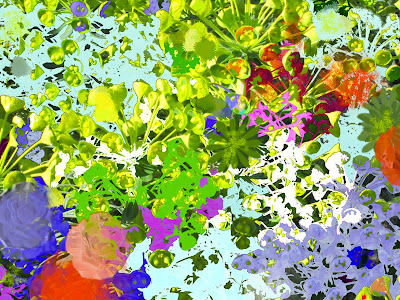
Used a ink filter
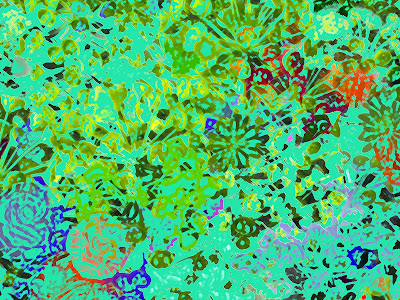
changed to black and white
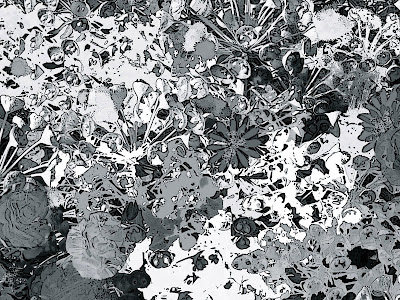
artistic filter
I just play with the tools available and see what happens. You can change this one background in hundreds of ways by simply using your filters or brushes. I am self taught, so the tech specifics are unfamiliar to me. I just like color and try different patterns. You can always click "undo" and start again.
Hope this mini tutorial was helpful.

Be sure and enlarge the images to see the changes!


 http://stamping-ground.blogspot.com/2011/03/whats-on-your-workdesk-wednesday-93.html
 http://stamping-ground.blogspot.com/2011/03/whats-on-your-workdesk-wednesday-93.html